iTech Level is reader-supported: we may earn a commission when you buy through our links, at no extra cost to you. As an Amazon Associate, iTech Level earns from qualifying purchases. Affiliate disclosure
Short answer: Beats are fine for casual gaming, and the Beats Studio Pro are the best Beats for it: plug in the USB-C cable and you get wired audio and a working mic for calls, with no Bluetooth delay. Over Bluetooth, every Beats model has the usual lag, which shows in fast shooters, and none of them connects to a PS5 or Xbox wirelessly. On an iPhone, iPad or Mac, Apple’s Game Mode helps. For competitive or console gaming, a gaming headset such as the SteelSeries Arctis Nova 5 is the better buy.
Check the Beats Studio Pro on Amazon →
How we put this together: this guide is based on Apple’s and Beats’ own documentation, platform documentation from Microsoft, Sony and Nintendo, and published reviews (linked below). It is not based on hands-on testing by iTech Level. See how we choose products.
Can you use Beats for gaming?
Yes. How well they work depends on the model and how you connect:
- USB-C audio (Beats Studio Pro and Solo 4): both headphones play audio over the included USB-C cable when connected to a supported iPhone, iPad, Mac or Android device (Apple, Apple). Beats says the Studio Pro can “stream audio or take phone calls” over USB-C, so their mic works wired too (Beats). A wired connection avoids Bluetooth delay.
- 3.5 mm cable (Studio Pro and Solo 4): plugs into any headphone jack, including a PS5 or Xbox controller, for game sound with no Bluetooth delay. The Studio Pro even work this way with a flat battery (Apple). Apple describes the 3.5 mm cable for listening only, so use the controller’s mic or a separate one for chat.
- Bluetooth (all Beats): roughly 150–200 ms of delay on most devices: fine for story and turn-based games, noticeable in shooters and rhythm games. See our Bluetooth headphones for gaming guide.
- Apple’s Game Mode: on an iPhone or iPad with iOS 18 or later, or an Apple silicon Mac with macOS Sonoma or later, Game Mode turns on when a game goes full screen and “doubles the Bluetooth sampling rate, which reduces input latency and audio latency for wireless accessories” (Apple Support). Apple’s examples are controllers and AirPods, so Bluetooth Beats should benefit too.
Beats for gaming, platform by platform
| Platform | Best connection | Beats mic for chat | Verdict |
|---|---|---|---|
| iPhone / iPad / Mac | USB-C (Studio Pro, Solo 4) or Bluetooth with Game Mode | Yes | Good |
| Android | USB-C (Studio Pro, Solo 4) or Bluetooth | Yes | Fine for mobile games |
| Windows PC | 3.5 mm cable or Bluetooth | Over Bluetooth, with lower sound quality while it’s on | Casual games |
| PS5 / Xbox | 3.5 mm cable in the controller jack (Studio Pro, Solo 4) | Use the controller mic (PS5) or a separate mic | Wired only |
| Nintendo Switch 2 | 3.5 mm cable, or Bluetooth for game sound | No (Bluetooth mics aren’t supported) | OK |
Which Beats are best for gaming?
Beats Studio Pro: best Beats for gaming
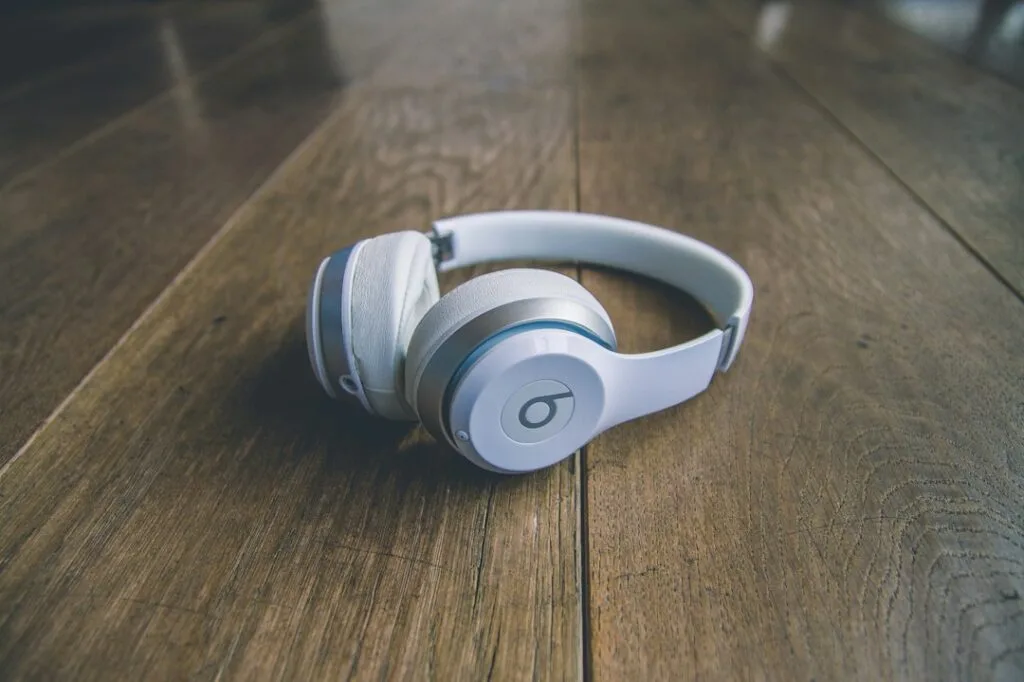
The Studio Pro (2023) are the most flexible Beats for gaming: USB-C audio with a working mic for phones, tablets and Macs, a 3.5 mm cable for controllers and handhelds, and up to 40 hours of battery (24 with noise cancelling). After the Beats 360 launched in September 2026, Apple cut the Studio Pro’s list price, and they’re often discounted further. See our full Beats Studio Pro vs Beats 360 comparison.
Check the Beats Studio Pro on Amazon →
Beats Solo 4: the on-ear option
The Solo 4 also play audio over USB-C and a 3.5 mm cable (Apple), so they can be used wired in the same ways. They sit on the ear rather than around it and don’t have noise cancelling, which matters less at a desk than on a plane.
Beats 360: wireless only
Beats’ newest headphones (September 2026, $349.99) have stronger noise cancelling, but their USB-C port is for charging only and there’s no 3.5 mm jack (T3). With no wired option, they can’t avoid Bluetooth delay on any platform and can’t be used with a PS5 or Xbox at all. If gaming matters, the cheaper Studio Pro are the better Beats.
Beats earbuds: casual mobile games
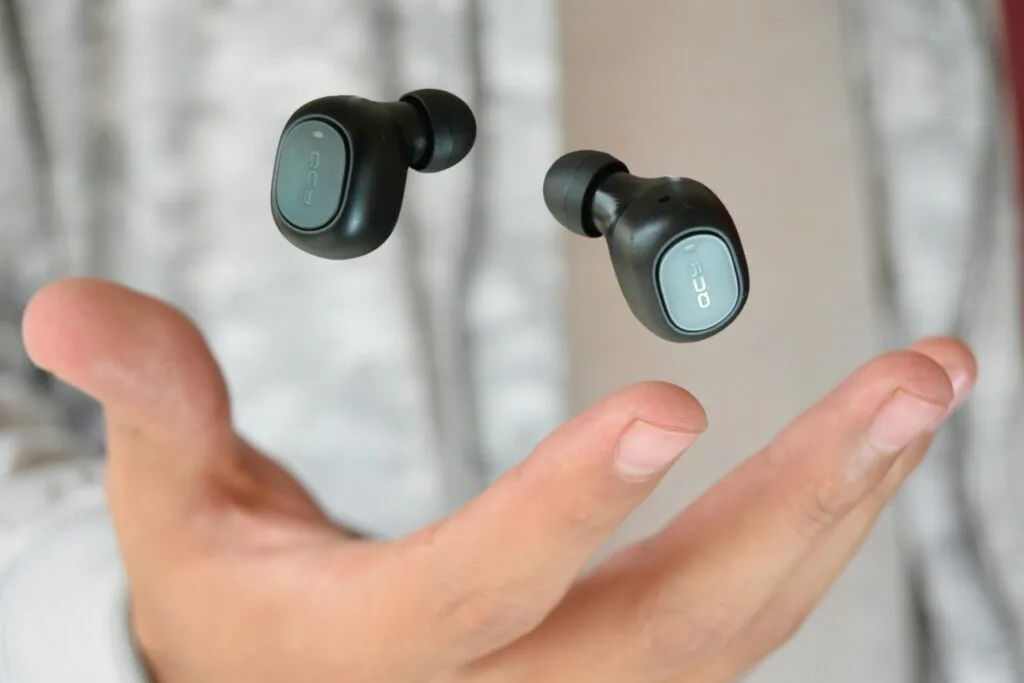
Beats earbuds, such as the Powerbeats Pro 2 and the Solo Buds, are Bluetooth only. On an iPhone, Game Mode keeps the delay down for mobile games; elsewhere they behave like any Bluetooth earbuds. See our best earbuds for iPhone for how they compare with AirPods.
Beats on PS5 and Xbox
Neither console supports Bluetooth audio, so Beats can’t connect wirelessly (What Hi-Fi?). With the Studio Pro or Solo 4, plug the 3.5 mm cable into the controller’s headphone jack for game sound, and talk through the DualSense’s built-in mic on a PS5 or a separate mic on Xbox. You can also join party voice chat from your phone in the PlayStation App or the Xbox app with the Beats connected to the phone (Xbox Support), but game sound stays on the TV.
Beats on a Windows PC
Apple lists iPhone, iPad, Mac and Android as supported sources for USB-C audio, not Windows, so on a PC the 3.5 mm cable is the dependable wired option. Over Bluetooth, expect the usual delay, plus a catch with chat: when Discord or a game turns on the headphones’ mic, Windows switches to its “Hands-Free” profile and game audio drops to mono call quality (BGR, describing the same issue with AirPods). Choose the stereo “Headphones” output and use a different mic to avoid it.
Beats on the Nintendo Switch 2
The Switch 2 supports Bluetooth audio, so any Beats work for game sound, but Bluetooth microphones aren’t supported for GameChat, you can only use two wireless controllers while they’re connected, and Nintendo warns of possible audio delay (Nintendo). In handheld mode, the Studio Pro or Solo 4 on a 3.5 mm cable avoid the delay. See our best headphones for Switch 2.
Better options if you mainly game
| Pick | Best for | Connection | Works with | Buy |
|---|---|---|---|---|
| SteelSeries Arctis Nova 5 / Nova 5X | One headset for every console | 2.4GHz USB-C dongle, plus Bluetooth | PC, PS5, Switch 2, phones; Xbox on the 5X | Check price |
| Razer BlackShark V3 | PC and PS5 players | 2.4GHz dongle, Bluetooth, USB | PC, PS5, Switch, phones | Check price |
| Sony INZONE Buds | Gaming earbuds | USB-C dongle (Sony rates under 30 ms), plus Bluetooth LE Audio | PC, PS5, Switch 2, phones | Check price |
The Arctis Nova 5 (up to 60 hours per SteelSeries) works on almost every system; get the Nova 5X for Xbox. The Razer BlackShark V3 is our top pick for PC and PS5. Both cost less than the Beats 360 and add low-latency wireless and a boom mic. For earbuds, the Sony INZONE Buds use a USB-C dongle instead of Bluetooth. More picks are in our best gaming headsets.
Check the Arctis Nova 5 on Amazon →
Our verdict
Beats are fine for casual gaming, especially on Apple devices, where Game Mode cuts Bluetooth delay. The Beats Studio Pro are the best Beats for gaming because they can go wired over USB-C (with the mic) or a 3.5 mm cable (for controllers). The Beats 360 are a poor gaming choice since they’re wireless only. If you’re buying mainly for gaming, a gaming headset like the Arctis Nova 5 costs less and does the job better.
Frequently asked questions
Are Beats good for gaming?
For casual games, yes. Over Bluetooth they have the usual delay, which shows in fast shooters, though Apple’s Game Mode reduces it on iPhone, iPad and Mac. The Beats Studio Pro are the best Beats for gaming because they also work wired.
Can you use Beats on a PS5 or Xbox?
Only wired. Neither console supports Bluetooth audio, so plug the 3.5 mm cable of the Beats Studio Pro or Solo 4 into the controller’s headphone jack, and use the controller’s mic (PS5) or a separate mic for chat.
Does the Beats mic work for gaming?
Over Bluetooth on a phone or PC, yes, though on Windows sound quality drops while the mic is on. The Studio Pro also take calls over USB-C. Apple describes the 3.5 mm cable for listening only, and the Switch 2 doesn’t support Bluetooth mics.
Are the Beats Studio Pro good for gaming?
They’re the best Beats for it: wired USB-C audio with a working mic on phones, tablets and Macs, a 3.5 mm cable for controllers, and up to 40 hours of battery. They don’t have a boom mic or a low-latency wireless dongle like a gaming headset.
Are the Beats 360 good for gaming?
Not especially. Their USB-C port is for charging only and there’s no headphone jack, so they’re Bluetooth only, with the delay that brings, and they can’t connect to a PS5 or Xbox.