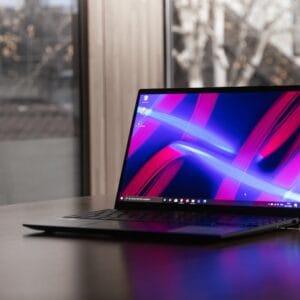
Verdict: A sensible budget laptop for web-based work and school: big touchscreen, long battery and a light OS. Storage is small (64GB) and it won’t run Windows apps or games.
Good for
- Students and families who work in Google Docs, Classroom and the browser
- All-day use: up to 12 hours of battery
- A large 15.6-inch Full HD touchscreen for the price
Skip it if
- You need Windows software or PC games
- You store lots of files locally: 64GB of eMMC storage
Key specs
| Processor | Intel N100 (4 cores, up to 3.4 GHz) |
|---|---|
| Display | 15.6-inch Full HD (1920×1080) IPS touchscreen, matte |
| Memory / storage | 8GB LPDDR5 / 64GB eMMC |
| Battery | Up to 12 hours (50Wh) |
| Weight | About 3.7 lb (1.7 kg) |
| Connectivity | Wi-Fi 6E, Bluetooth 5.2 |
| OS | ChromeOS |
How it compares
- Acer Aspire Go 15: a Windows laptop with more storage
- Lenovo IdeaPad 15.6″: budget Windows alternative
Specs come from the manufacturer’s published specifications (Acer Chromebook 315 specs · CDW spec sheet); iTech Level has not tested this product hands-on. How we choose products.